
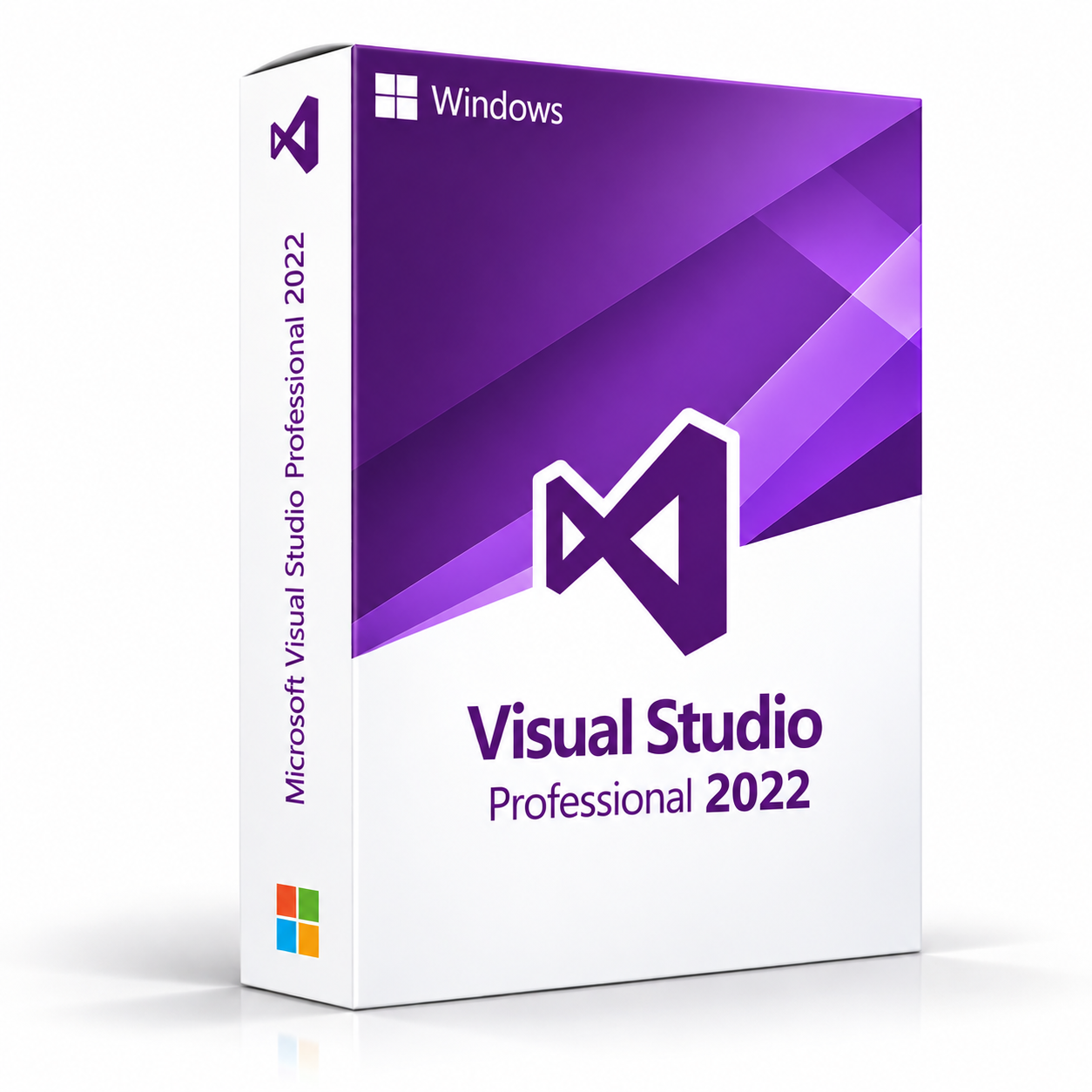
Microsoft Visual Studio Professional 2022 is the first 64-bit Visual Studio Professional IDE, providing a powerful code editor, debugging, unit testing, IntelliCode AI-assisted completions, Hot Reload, source control integration and modern cross-platform development tools for building applications across Windows, web, mobile and cloud platforms.
Microsoft Visual Studio Professional 2022 – UK Digital Development Software Licence
Microsoft Visual Studio Professional 2022 is a professional integrated development environment (IDE) designed for individual developers and small development teams who need a modern, reliable platform for designing, coding, debugging and testing applications on a Windows PC. As the first fully 64-bit Visual Studio release, it handles significantly larger solutions with improved performance and responsiveness. It is ideal for professional software developers, freelance developers, small teams and anyone who needs a capable, modern development environment.
Microsoft Visual Studio Professional 2022 provides the core professional development feature set of Visual Studio 2022, including IntelliCode AI-assisted completions, Hot Reload, a powerful code editor with IntelliSense, advanced debugging, unit testing, refactoring tools, source control integration, Live Share, ASP.NET Core and Blazor web development, Azure cloud development, container/Docker tooling and cross-platform mobile development with .NET MAUI and Xamarin. It supports C#, Visual Basic, C++, F#, JavaScript, TypeScript and Python. As a perpetual licence product, Microsoft Visual Studio Professional 2022 provides reliable, modern development capabilities on a single Windows PC without a recurring subscription fee.
For a complete development setup, you can also explore our Microsoft software range, or explore other Windows licences if you need a compatible operating system.
Important Notice About Microsoft Visual Studio Professional 2022
Microsoft Visual Studio Professional 2022 is a Windows-only application and is not available natively on macOS. It is a perpetual licence product providing lifetime access to the 2022 version without a recurring subscription fee. This product requires a compatible Windows PC and a valid product key for activation. Internet connectivity may be required during the initial activation process.
Why Choose Microsoft Visual Studio Professional 2022?
- First 64-bit Visual Studio Professional IDE, capable of handling much larger solutions
- Professional edition of Visual Studio 2022 with the core development toolset
- Supports C#, Visual Basic, C++, F#, JavaScript, TypeScript, Python and more
- IntelliCode AI-assisted code completions and whole-line suggestions
- Hot Reload for applying code changes to running applications without restarting
- Full-featured debugger with breakpoints, watch windows and diagnostic tools
- Built-in unit testing framework with test discovery and code coverage
- Live Share for real-time collaborative editing and debugging
- ASP.NET Core, Blazor and modern front-end framework support
- Cross-platform mobile development with .NET MAUI and Xamarin
- Azure cloud and container/Docker tooling integrated into the IDE
- Excellent support for .NET 6, .NET 7, .NET 8 and .NET Framework 4.8
- Perpetual licence with lifetime access to Microsoft Visual Studio Professional 2022
- Digital delivery by email after order confirmation
Key Features of Microsoft Visual Studio Professional 2022
- 64-bit IDE: A fully 64-bit IDE process that handles significantly larger solutions reliably.
- IntelliCode: AI-assisted code completions and whole-line suggestions trained on thousands of open-source repositories.
- Hot Reload: Apply code changes to a running application without restarting the debugger.
- Multi-Language Support: C#, Visual Basic, C++, F#, JavaScript, TypeScript and Python.
- Advanced Debugging: Breakpoints, conditional breakpoints, watch windows, performance profiler and diagnostic tools.
- Unit Testing: Built-in test framework with test discovery, test execution and code coverage.
- Live Share: Real-time collaborative editing and debugging across machines.
- Source Control Integration: Built-in Git, GitHub and Azure DevOps support directly in the IDE.
- Web Development: ASP.NET Core, Blazor and modern front-end framework support.
- Cross-Platform Mobile Development: Build for Android and iOS using .NET MAUI and Xamarin.
- Cloud and Azure Development: Integrated Azure tools for build, debug and deploy.
- Container and Docker Support: Build, run and debug applications inside Linux or Windows containers.
- Team Collaboration: Azure DevOps, GitHub and Git integration for team workflows.
Microsoft Visual Studio Professional 2022 vs Enterprise 2022, Community 2022, Visual Studio 2019 and Visual Studio Code
| Software | Best For | Main Use |
|---|---|---|
| Microsoft Visual Studio Professional 2022 | Individual developers and small teams needing modern core professional development tools | Modern professional application development with the core 64-bit IDE, debugging, unit testing, IntelliCode and Hot Reload |
| Microsoft Visual Studio Enterprise 2022 | Enterprise development teams needing the complete development and testing toolset | Enterprise application development with IntelliTrace, Live Unit Testing, load testing, Code Map and architecture validation |
| Microsoft Visual Studio Community 2022 | Individual developers, students and open-source contributors | Free development environment with core features under licence terms |
| Microsoft Visual Studio 2019 | Developers maintaining applications standardised on the 2019 release | Existing project development with the 2019 toolset |
| Visual Studio Code | Developers needing a free lightweight cross-platform code editor | Lightweight code editing with extensions on Windows, Mac and Linux |
Which Software Should You Choose?
- Choose Microsoft Visual Studio Professional 2022 if you are an individual developer or small team needing modern core professional development tools on a 64-bit IDE.
- Choose Microsoft Visual Studio Enterprise 2022 if you need IntelliTrace, Live Unit Testing, load testing, Code Map and architecture validation.
- Choose Microsoft Visual Studio Community 2022 if you are eligible for the free edition.
- Choose Microsoft Visual Studio Professional 2019 if your team is standardised on the 2019 release.
- Choose Visual Studio Code for a free lightweight cross-platform code editor.
Recommended Products
- Microsoft Visual Studio Enterprise 2022 – the Enterprise edition with the complete toolset.
- Microsoft Visual Studio Professional 2019 – the previous Professional release.
- Microsoft Office Software – explore the full Microsoft productivity range.
- Windows Licences – suitable if you need a compatible Windows operating system.
System Requirements for Microsoft Visual Studio Professional 2022
| Component | Requirement |
|---|---|
| Platform | Windows PC (64-bit) |
| Operating System | Windows 11, Windows 10 version 1909 or higher; Windows Server 2022, 2019, 2016 |
| Processor | 1.8 GHz or faster, quad-core or better recommended |
| Memory | 4 GB RAM minimum; 16 GB RAM recommended |
| Storage | 850 MB to 210 GB available disk space depending on installed features |
| Display | 1280 x 720 minimum; WXGA (1366 x 768) or higher recommended |
| Internet | Required for activation, workload downloads and online features |
| Framework | .NET 6, .NET 7, .NET 8, .NET Framework 4.8 and earlier |
Delivery and Activation
- Product: Microsoft Visual Studio Professional 2022
- Platform: Windows PC (64-bit)
- Licence Type: Perpetual digital licence
- Licence Duration: Lifetime access to Microsoft Visual Studio Professional 2022
- Delivery Method: Instant digital delivery by email
- Activation: Activation instructions provided after purchase
- Support: Installation and activation assistance available
How to Get Started
- Complete your order for Microsoft Visual Studio Professional 2022.
- Receive your product key and activation instructions by email after order confirmation.
- Check that your Windows PC meets the system requirements.
- Download the Visual Studio Professional 2022 installer using the provided instructions.
- Run the installer and select the workloads you need.
- Enter your product key when prompted to activate your perpetual licence.
- Complete the installation and begin developing.
- Contact our support team if you need help.
Who Is Microsoft Visual Studio Professional 2022 For?
- Individual developers and freelancers building modern applications on .NET 6, .NET 7 and .NET 8
- Small development teams maintaining applications built with Visual Studio 2022
- Web developers building ASP.NET Core and Blazor applications
- Developers who need a 64-bit IDE for very large solutions
- Teams using Azure DevOps, GitHub or Team Foundation Server
- Users who need a perpetual development environment licence without a subscription
Important Licence Information
Microsoft Visual Studio Professional 2022 is a perpetual licence product providing lifetime access to the 2022 version. It does not include upgrades to future versions of Visual Studio and is not a subscription. This product is licensed for use by a single developer. Microsoft Visual Studio Professional 2022 is a Windows-only application.
What is Microsoft Visual Studio Professional 2022?
A professional 64-bit IDE providing the core professional toolset for designing, coding, debugging, testing and deploying Windows, web, mobile and cloud applications.
Why is Visual Studio 2022 a 64-bit IDE?
Visual Studio 2022 is the first fully 64-bit Visual Studio release, so the IDE process is no longer limited to 4 GB of memory and can handle much larger solutions.
Does Microsoft Visual Studio Professional 2022 work on Windows 10 and Windows 11?
Yes. Fully supported on Windows 11 and on Windows 10 version 1909 or higher.
Does Microsoft Visual Studio Professional 2022 work on Mac?
No. Windows-only.
What programming languages does Visual Studio Professional 2022 support?
C#, Visual Basic, C++, F#, JavaScript, TypeScript and Python.
What is Hot Reload in Visual Studio Professional 2022?
Hot Reload lets you apply code changes to a running application without restarting the debugger or losing app state.
What is IntelliCode in Visual Studio Professional 2022?
AI-assisted code completions and whole-line suggestions trained on thousands of open-source GitHub repositories.
What is the difference between Professional 2022 and Enterprise 2022?
Professional 2022 includes the core professional toolset. Enterprise 2022 adds IntelliTrace, Live Unit Testing, load testing, Code Map and architecture validation.
Can Visual Studio Professional 2022 build mobile apps?
Yes. Cross-platform mobile development for Android and iOS via .NET MAUI and Xamarin.
Does Visual Studio Professional 2022 support Docker and containers?
Yes. Container and Docker tooling is built in.
Is Microsoft Visual Studio Professional 2022 a subscription or a perpetual licence?
Perpetual licence. You pay once for lifetime access to the 2022 version.
How will I receive my Microsoft Visual Studio Professional 2022 licence?
By email after order confirmation, typically within minutes of payment.
Do you provide installation support?
Yes.


Reviews
There are no reviews yet.