
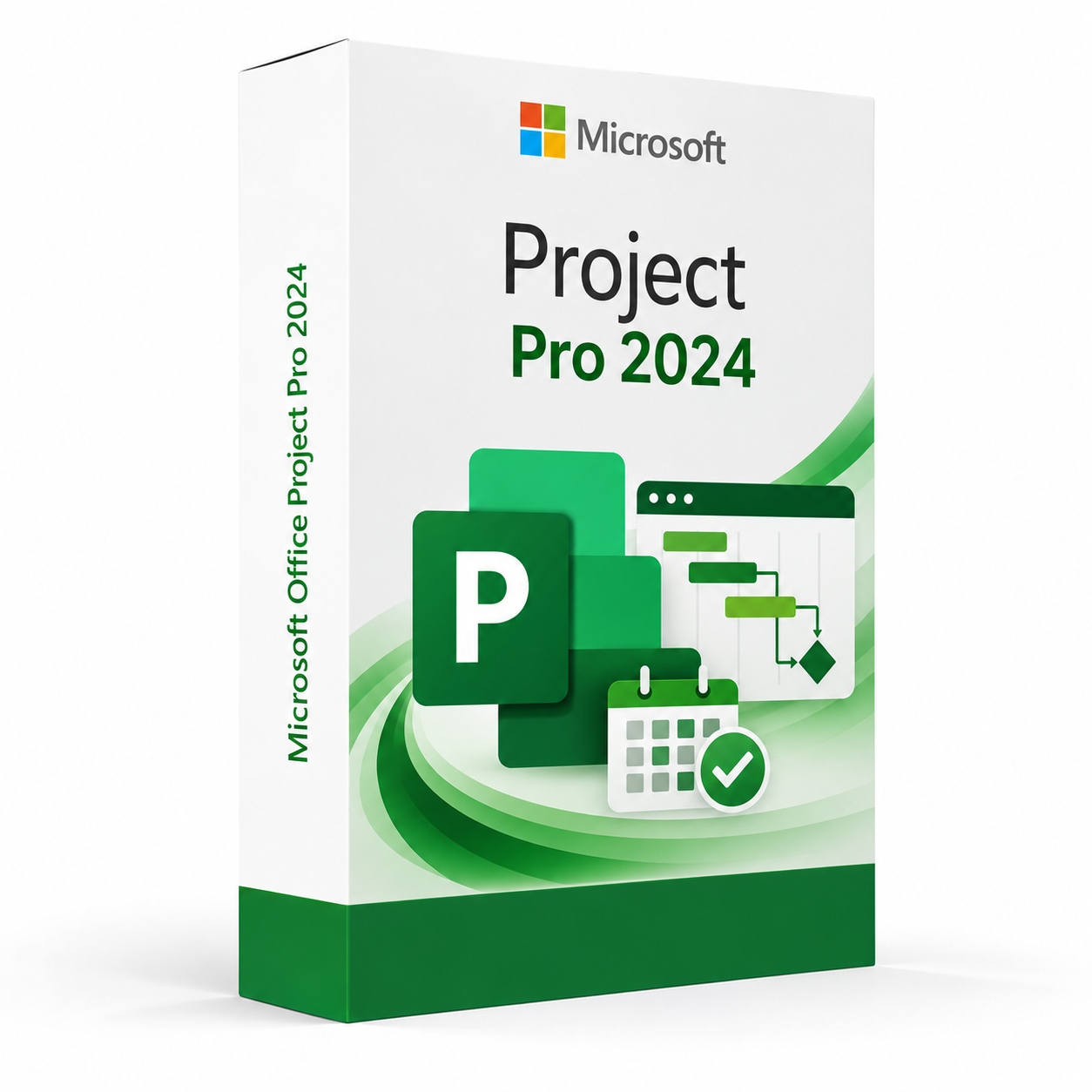
Microsoft Office Project Pro 2024 is a professional project management software solution providing advanced scheduling, resource planning, task management, portfolio tracking and reporting tools for project managers and teams on Windows PCs.
Microsoft Office Project Pro 2024 – UK Digital Project Management Licence
Microsoft Office Project Pro 2024 is a comprehensive professional project management software solution designed for users who need powerful tools for planning, scheduling, resource management, budget tracking, portfolio management and project reporting on a Windows PC. It is ideal for project managers, programme managers, business analysts, construction professionals, IT project teams and organisations who need a full-featured project management platform that integrates seamlessly with other Microsoft Office applications and Microsoft Project Server environments.
Microsoft Office Project Pro 2024 provides a rich set of project planning and tracking tools including Gantt charts, resource sheets, task dependencies, critical path analysis, baseline tracking and a wide range of reporting and dashboard features. It connects to Project Server and Project Online for enterprise-level collaboration, enabling project managers to share plans, track progress and report on portfolio performance across teams and organisations. Whether managing a simple single-project schedule or a complex multi-project programme, Microsoft Office Project Pro 2024 provides a professional-grade project management environment on Windows.
For a complete productivity setup, you can also explore our Microsoft Office software, compare related Microsoft Project products, or choose Microsoft Office Project Standard 2024 if you need a simpler standalone project management tool without the server connectivity and advanced resource management features of Project Pro.
Important Notice About Microsoft Office Project Pro 2024
Microsoft Office Project Pro 2024 is a Windows-only application and is not available natively on macOS. It is a perpetual licence product, meaning it provides lifetime access to the 2024 version without a recurring subscription fee. Microsoft Office Project Pro 2024 is not the same as a Microsoft 365 subscription and does not include future version upgrades. Users who need the latest cloud-based features should consider Microsoft Project Plan licences through Microsoft 365.
This product requires a compatible Windows PC and a valid Microsoft account or product key for activation. Internet connectivity is required during the initial activation process.
Why Choose Microsoft Office Project Pro 2024?
- Professional project management software with advanced scheduling and resource planning tools
- Connects to Project Server and Project Online for enterprise collaboration and portfolio management
- Gantt charts, task dependencies, critical path analysis and baseline tracking for complete project control
- Advanced resource management including resource levelling, cost tracking and workload balancing
- Built-in reporting and dashboard tools for real-time project status and portfolio visibility
- Integrates with Microsoft Office applications including Excel, SharePoint and Teams
- Perpetual licence with lifetime access to Microsoft Office Project Pro 2024
- Digital delivery by email after order confirmation
- Activation instructions included
- Installation and activation support available when needed
Key Features of Microsoft Office Project Pro 2024
- Gantt Chart Scheduling: Create and manage detailed project schedules using Gantt charts with task bars, milestones, dependencies and progress tracking for clear visual project planning and communication.
- Task Management: Define, organise and manage project tasks including summary tasks, subtasks, milestones and recurring tasks with start and finish dates, durations and percentage completion tracking.
- Task Dependencies: Set finish-to-start, start-to-start, finish-to-finish and start-to-finish task dependencies with lag and lead times to accurately model the logical sequence of project work.
- Critical Path Analysis: Automatically calculate and display the critical path of the project schedule to identify tasks that directly affect the project end date and focus management attention where it matters most.
- Resource Management: Assign work, material and cost resources to tasks and manage resource availability, allocation, workload and costs across single and multi-project environments.
- Resource Levelling: Automatically or manually resolve resource over-allocation by levelling resource assignments across the project schedule to produce a realistic and achievable project plan.
- Baseline Tracking: Save project baselines to capture the original plan and compare actual progress against the baseline schedule, cost and work to measure project performance over time.
- Budget and Cost Tracking: Define project budgets, track actual and remaining costs against planned values and monitor cost performance using earned value analysis metrics.
- Project Server Connectivity: Connect Microsoft Office Project Pro 2024 to Project Server or Project Online for enterprise project and portfolio management, team collaboration and centralised reporting.
- Built-In Reports: Generate a wide range of built-in graphical reports and dashboards including project overview, resource overview, cost overview, work overview and late task reports for stakeholder communication.
- Timeline View: Create visual timeline views of the project schedule for presentation-quality project summaries that can be copied into PowerPoint, Word and other Office applications.
- Office Integration: Work seamlessly with Microsoft Excel, SharePoint, Outlook, Teams and other Office applications to import and export project data and share project information across the Microsoft productivity ecosystem.
Microsoft Office Project Pro 2024 vs Project Standard 2024, Project Online and Microsoft Planner
Microsoft Office Project Pro 2024 is the most capable standalone project management product in the Microsoft Project 2024 range, with full server connectivity and advanced resource management. Project Standard 2024 is a simpler standalone version without server features, Project Online is a cloud-based subscription version with the latest features, while Microsoft Planner is a lightweight task management tool for simple team collaboration within Microsoft 365.
| Software | Best For | Main Use |
|---|---|---|
| Microsoft Office Project Pro 2024 | Project managers and organisations needing advanced project management with server connectivity | Advanced project scheduling, resource management, portfolio tracking, Project Server connectivity and enterprise reporting |
| Microsoft Project Standard 2024 | Individual project managers needing standalone project management without server features | Project scheduling, task management, Gantt charts and basic resource management without Project Server connectivity |
| Microsoft Project Online | Teams and organisations needing cloud-based project and portfolio management | Cloud-based project scheduling, resource management, portfolio management and collaboration via Microsoft 365 |
| Microsoft Planner | Teams needing simple task and work management within Microsoft 365 | Lightweight task management, Kanban boards and team collaboration for simple projects within Microsoft 365 |
| Smartsheet | Teams looking for a cloud-based alternative to Microsoft Project | Cloud-based project management, Gantt charts, automation and collaboration for teams on any platform |
Which Software Should You Choose?
- Choose Microsoft Office Project Pro 2024 if you need a full-featured professional project management platform with advanced resource management, critical path analysis, baseline tracking and Project Server or Project Online connectivity.
- Choose Microsoft Office Project Standard 2024 if you need a simpler stan



Reviews
There are no reviews yet.