
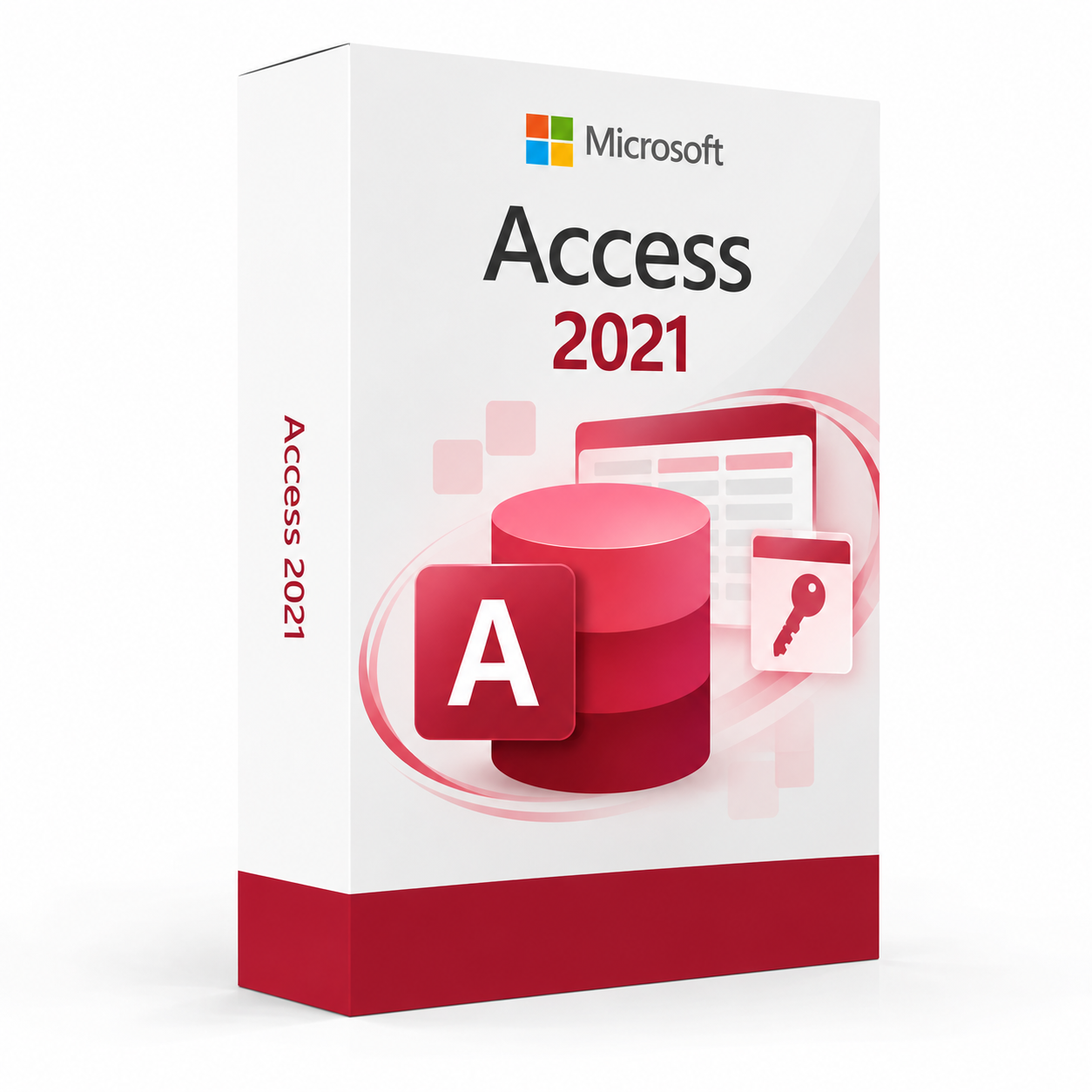
Microsoft Office Access 2021 is a professional database management software solution providing database creation, query building, form design, reporting and data management tools for organising, analysing and sharing structured data on Windows PCs.
Microsoft Office Access 2021 – UK Digital Database Software Licence
Microsoft Office Access 2021 is a comprehensive professional database management software solution designed for users who need powerful tools for creating, managing and querying relational databases, building data entry forms, designing reports and sharing structured data on a Windows PC. It is ideal for business professionals, data managers, administrators, small business owners, students and anyone who needs a full-featured desktop database platform for organising and analysing structured data for business, operational or personal use.
Microsoft Office Access 2021 provides a rich set of database creation, query, form and report design tools including table design, relationship management, query builder, macro automation and report generation. It supports connection to a wide range of external data sources and integrates with Microsoft Excel, SharePoint and other Office applications for comprehensive data management and reporting. As a perpetual licence product, Microsoft Office Access 2021 provides reliable and full-featured desktop database capabilities on a single Windows PC without a recurring subscription fee.
For a complete productivity setup, you can also explore our Microsoft Office software range, or choose Microsoft Office 2021 if you need the full suite of Office applications including Word, Excel, PowerPoint, Outlook and Access in a single package.
Important Notice About Microsoft Office Access 2021
Microsoft Office Access 2021 is a Windows-only application and is not available natively on macOS. It is a perpetual licence product providing lifetime access to the 2021 version without a recurring subscription fee. Microsoft Office Access 2021 is not the same as a Microsoft 365 subscription and does not include future version upgrades. Users who need cloud-based database solutions should consider Microsoft Azure SQL or SharePoint lists as cloud-based alternatives to desktop Access databases.
This product requires a compatible Windows PC running Windows 10 or Windows 11 (64-bit only) and a valid product key for activation. Internet connectivity is required during the initial activation process.
Why Choose Microsoft Office Access 2021?
- Professional desktop database software for creating and managing relational databases on Windows
- Visual table designer for creating and modifying database tables without writing SQL code
- Query builder for creating select, update, delete and action queries visually or in SQL
- Form designer for building data entry forms with controls, validation and navigation
- Report designer for creating professional formatted reports from database data
- Macro and VBA automation for building custom database applications and workflows
- Perpetual licence with lifetime access to Microsoft Office Access 2021
- Digital delivery by email after order confirmation
- Activation instructions included
- Installation and activation support available when needed
Key Features of Microsoft Office Access 2021
- Table Design: Create and modify database tables using the visual table designer to define fields, data types, field sizes, default values, input masks and validation rules without writing SQL code.
- Relationship Manager: Define and manage relationships between database tables using the visual relationship window to establish one-to-one, one-to-many and many-to-many relationships with referential integrity enforcement.
- Query Builder: Create select, parameter, crosstab, action and SQL queries using the visual query design grid or SQL view for filtering, sorting, calculating and transforming database data.
- Form Designer: Build professional data entry and navigation forms using the visual form designer with a wide range of controls including text boxes, combo boxes, list boxes, subforms and command buttons.
- Report Designer: Create formatted database reports with grouping, sorting, totals, calculated fields and professional layout using the visual report designer for presenting database data clearly.
- Macro Automation: Use Access macros to automate common database tasks including form navigation, data validation, record operations and error handling without writing VBA code.
- VBA Programming: Use Visual Basic for Applications to write custom event procedures, functions and modules for building sophisticated database applications and automating complex workflows.
- Data Import and Export: Import data from Excel spreadsheets, CSV files, text files, XML, SharePoint lists and other Access databases, and export Access data to these formats for data exchange and integration.
- SharePoint Integration: Link Access tables to SharePoint lists to share database data with team members through SharePoint without requiring Access to be installed on every user’s PC.
- Templates: Use built-in database templates for common business applications including contacts, assets, projects, events and students to get started quickly with a pre-built database structure.
- Data Validation: Define field-level and record-level validation rules to ensure data integrity and consistency across the database, with custom validation messages for user guidance.
- Office Integration: Work seamlessly with Microsoft Excel, Word, Outlook and SharePoint to import and export data, generate mail merge documents and share database information across the Microsoft productivity ecosystem.
Microsoft Office Access 2021 vs Access 2019, Microsoft 365, SQL Server and FileMaker
Microsoft Office Access 2021 is the most recent perpetual version of the desktop database management software available before the 2024 release. Access 2019 is an older perpetual version, Microsoft 365 provides subscription-based access with the latest features, SQL Server is a professional enterprise-level database platform, while FileMaker is an alternative cross-platform database application development tool.
| Software | Best For | Main Use |
|---|---|---|
| Microsoft Office Access 2021 | Business professionals and students needing a recent perpetual desktop database platform | Desktop relational database creation, query building, form design, reporting and data management on Windows |
| Microsoft Office Access 2019 | Users needing a previous perpetual version of Access at a lower cost | Desktop database creation, query building and reporting on compatible Windows systems |
| Microsoft 365 | Users needing the latest Access features with cloud storage and collaboration | Desktop database creation with the latest features and Microsoft 365 integration via subscription |
| Microsoft SQL Server | Enterprise teams needing a professional server-based relational database platform | Enterprise-level relational database management for large-scale business applications and data warehousing |
| FileMaker | Users needing a cross-platform database application development tool | Cross-platform database application development for Windows, Mac, iOS and web deployment |
Which Software Should You Choose?
- Choose Microsoft Office Access 2021 if you need a recent perpetual desktop database platform with table design, query building, form design, reporting and macro automation on Windows 10 or Windows 11.
- Choose Microsoft Office Access 2024 if you need the latest perpetual version of Access with the most up-to-date features and improved performance.
- Choose Microsoft Office Access 2019 if you need a previous perpetual version of Access at a lower cost.
- Choose Microsoft 365 if you need Access with the latest features, cloud storage and Microsoft 365 integration on a subscription basis.
- Choose Microsoft SQL Server if you need an enterprise-level server-based relational database platform for large-scale business applications and multi-user environments.
Recommended Products
- Microsoft Office Software – explore the full range of Microsoft Office productivity products.
- Microsoft Office 2021 – recommended if you need the full suite of Office 2021 applications including Word, Excel, PowerPoint, Outlook and Access.
- Microsoft Office Excel 2021 – suitable for spreadsheets, data analysis and financial modelling.
- Microsoft Office Word 2021 – suitable for professional document creation and word processing.
- Windows Licences – suitable if you need a compatible Windows operating system.
- Microsoft Office – explore all available Microsoft Office versions and licence options.
System Requirements for Microsoft Office Access 2021
| Component | Requirement |
|---|---|
| Platform | Windows PC |
| Operating System | Windows 11 or Windows 10 (64-bit only) |
| Processor | 1.6 GHz or faster dual-core processor |
| Memory | 4 GB RAM recommended; 2 GB RAM minimum |
| Storage | 4 GB available disk space for installation |
| Display | 1280 x 768 screen resolution minimum |
| Graphics | Graphics hardware acceleration requires a DirectX 10 compatible graphics card |
| Internet | Required for activation and access to certain online features and templates |
| Browser | Microsoft Edge or current version of a supported browser for certain web-connected features |
Delivery and Activation
- Product: Microsoft Office Access 2021
- Platform: Windows PC
- Licence Type: Perpetual digital licence
- Licence Duration: Lifetime access to Microsoft Office Access 2021
- Delivery Method: Digital delivery by email
- Activation: Activation instructions provided after purchase
- Support: Installation and activation assistance available
How to Get Started
- Complete your order for Microsoft Office Access 2021.
- Receive your product key and activation instructions by email after order confirmation.
- Check that your Windows PC meets the Microsoft Office Access 2021 system requirements.
- Download the Microsoft Office Access 2021 installer from the Microsoft website.
- Run the installer and follow the on-screen setup instructions.
- Enter your product key when prompted to activate your perpetual licence.
- Sign in with your Microsoft account if required to complete activation.
- Contact our support team if you need help with installation or activation.
Who Is Microsoft Office Access 2021 For?
- Business professionals and data managers creating and managing relational databases
- Small business owners building custom database applications for business operations
- Administrators creating data entry forms and reports for operational workflows
- Students and academics learning relational database design and query building
- IT professionals building desktop database solutions for departmental use
- Users who need a recent perpetual version of Access without a subscription
- Users upgrading from Microsoft Office Access 2019 or earlier to the 2021 release
Important Licence Information
Microsoft Office Access 2021 is a perpetual licence product providing lifetime access to the 2021 version of Microsoft Access. It does not include upgrades to future versions of Microsoft Office and is not a Microsoft 365 subscription. This product is licensed for use on a single Windows PC and requires Windows 10 or Windows 11 (64-bit). Before purchasing, please make sure your Windows PC meets the system requirements and that this version of Access meets your database management workflow needs.
Microsoft Office Access 2021 is a Windows-only application. Before purchasing, please make sure your Windows PC is compatible with Access 2021 and that this licence type matches your intended use.
What is Microsoft Office Access 2021?
Microsoft Office Access 2021 is a professional desktop database management software providing relational database creation, table design, query building, form design, report generation, macro automation and VBA programming for organising and managing structured data on Windows PCs.
Does Microsoft Office Access 2021 work on Windows 11?
Yes. Microsoft Office Access 2021 is fully compatible with Windows 11 and Windows 10, making it suitable for users on modern Windows systems.
Does Microsoft Office Access 2021 work on Mac?
No. Microsoft Office Access 2021 is a Windows-only application and is not available natively on macOS. Mac users who need database software should consider FileMaker or cloud-based database alternatives accessible through a browser.
What is the difference between Access 2021 and Microsoft 365?
Microsoft Office Access 2021 is a perpetual licence product providing lifetime access to the 2021 version without ongoing subscription fees. Microsoft 365 provides subscription-based access to the latest version of Access with cloud storage and Microsoft 365 integration for a recurring monthly or annual fee.
Can I use Microsoft Office Access 2021 without programming knowledge?
Yes. Microsoft Office Access 2021 includes visual design tools for creating tables, queries, forms and reports without writing code, as well as macro automation for common tasks. VBA programming is available for users who need more advanced customisation but is not required for most standard database applications.
Does Microsoft Office Access 2021 support multiple users?
Yes. Microsoft Office Access 2021 supports multi-user access to shared database files stored on a network drive, with record locking to prevent conflicting edits. For larger multi-user environments, Access can also be used as a front-end application connected to a SQL Server or SharePoint back-end database.
Can Microsoft Office Access 2021 connect to SQL Server?
Yes. Microsoft Office Access 2021 can connect to Microsoft SQL Server databases using linked tables and pass-through queries, allowing Access to be used as a front-end application for managing data stored in a SQL Server database for larger and more scalable database solutions.
Does Microsoft Office Access 2021 integrate with Excel?
Yes. Microsoft Office Access 2021 integrates with Microsoft Excel for importing and exporting data between Access databases and Excel spreadsheets, and for linking Excel data as an external data source within Access for analysis and reporting.
Is Microsoft Office Access 2021 a subscription or a perpetual licence?
Microsoft Office Access 2021 is a perpetual licence product, meaning you pay once for lifetime access to the 2021 version without ongoing subscription fees. It does not include upgrades to future versions of Microsoft Office.
What is the difference between Access 2021 and Access 2019?
Microsoft Office Access 2021 includes improved performance on modern hardware, enhanced Microsoft 365 integration, an updated user interface aligned with the Office 2021 design language and improved compatibility with Windows 11 compared to Access 2019. Access 2021 is also only available as a 64-bit installation and requires Windows 10 or Windows 11.
How will I receive my Microsoft Office Access 2021 licence?
Your product key and activation instructions will be delivered digitally by email after order confirmation.
Do you provide installation support?
Yes. Installation and activation support is available if you need help setting up Microsoft Office Access 2021 on your Windows PC.



Reviews
There are no reviews yet.