
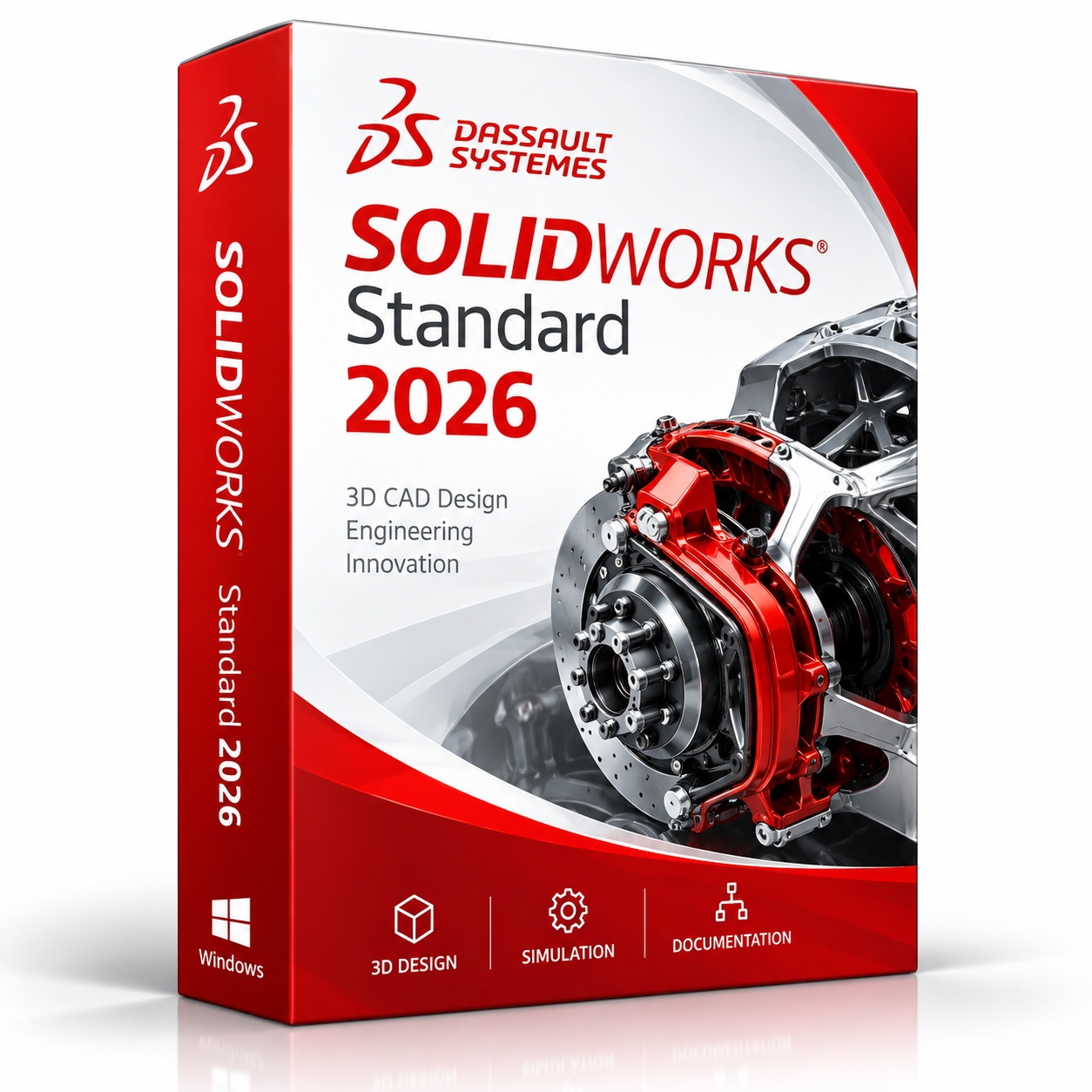
SOLIDWORKS Standard 2026 for Windows – Annual 3D CAD License
SOLIDWORKS Standard 2026 for Windows is a professional 3D CAD software solution designed for mechanical engineers, product designers, manufacturers, CAD technicians, workshops, and engineering teams. It provides powerful tools for 3D part modeling, assembly design, sheet metal, weldments, 2D technical drawings, surface modeling, and product development workflows.
This product is provided as an annual license for Windows users. It is suitable for customers who need reliable CAD software for mechanical design, product development, manufacturing preparation, and engineering documentation. SOLIDWORKS Standard 2026 helps users transform concepts into accurate 3D models and production-ready drawings in an efficient Windows-based environment.
For the best experience, we recommend using a compatible Windows system such as Windows 11 Pro. You can also combine SOLIDWORKS with Microsoft Office to manage Excel reports, project documents, technical files, client presentations, and business communication.
Why Choose SOLIDWORKS Standard 2026?
- Professional 3D CAD software for mechanical design and product development.
- Ideal for parts, assemblies, technical drawings, sheet metal, and weldments.
- Annual license for Windows users.
- Suitable for engineers, designers, manufacturers, workshops, and students.
- Digital delivery by email after order confirmation.
- Installation and activation guidance available.
- Efficient workflows for product design, prototyping, and manufacturing preparation.
Key Features of SOLIDWORKS Standard 2026
- 3D Part Modeling: Create accurate mechanical components using professional parametric 3D modeling tools.
- Assembly Design: Build and manage assemblies, define relationships between components, and organize product structures.
- 2D Technical Drawings: Generate detailed engineering drawings from 3D models, including dimensions, annotations, and drawing views.
- Sheet Metal Tools: Design sheet metal components and create flat patterns for manufacturing.
- Weldments: Create structural frames and welded assemblies using dedicated design tools.
- Surface Modeling: Develop complex shapes and surfaces for industrial and product design.
- Design Validation: Use available design evaluation tools to help assess and improve models.
- Engineering Documentation: Prepare technical drawings and design documentation for manufacturing and production teams.
What Is Included?
- SOLIDWORKS Standard 2026 for Windows.
- Annual license access.
- Digital delivery by email.
- Activation instructions.
- Installation guidance.
- Support for installation and activation when needed.
SOLIDWORKS Standard 2026 vs. AutoCAD, Inventor, Revit and Archicad
SOLIDWORKS Standard 2026 focuses primarily on mechanical 3D CAD, product development, parts, assemblies, sheet metal, weldments, and engineering drawings. Other CAD and BIM applications may be more appropriate depending on your projects.
| Software | Best For | Main Use |
|---|---|---|
| SOLIDWORKS Standard 2026 | Mechanical engineers and product designers | 3D parts, assemblies, mechanical design, and engineering drawings |
| Autodesk AutoCAD | Architects, engineers, and CAD technicians | 2D drafting, DWG drawings, and technical documentation |
| Autodesk Inventor | Mechanical design and manufacturing teams | 3D mechanical CAD, assemblies, and manufacturing workflows |
| Autodesk Revit | Architecture and construction professionals | BIM modeling, building design, and construction documentation |
| Graphisoft Archicad | Architects and BIM designers | Architectural modeling, building plans, and construction drawings |
Which Software Should You Choose?
- Choose SOLIDWORKS Standard 2026 for mechanical 3D CAD, machine components, assemblies, product development, and manufacturing drawings.
- Choose AutoCAD for 2D drafting, DWG plans, and general technical documentation.
- Choose Autodesk Inventor for mechanical CAD workflows within the Autodesk ecosystem.
- Choose Autodesk Revit for BIM, architecture, and construction projects.
- Choose Graphisoft Archicad for architectural design and BIM workflows.
Recommended Products to Use With SOLIDWORKS
- Windows Licenses – for a compatible operating system.
- Microsoft Office – for spreadsheets, technical reports, project documents, and business communication.
- Autodesk Software – explore AutoCAD, Inventor, Fusion, and other design applications.
- Graphisoft Archicad – for architectural modeling and BIM projects.
System Requirements for SOLIDWORKS Standard 2026
The following are general hardware recommendations. Check the official SOLIDWORKS 2026 system requirements and certification information before installation.
| Component | Recommendation |
|---|---|
| Operating System | Compatible 64-bit Windows version supported by SOLIDWORKS 2026 |
| Processor | Modern Intel or AMD 64-bit processor with strong single-core performance |
| Memory | 16 GB RAM or more; 32 GB recommended for larger projects |
| Storage | SSD recommended for faster installation and project loading |
| Graphics | Supported professional graphics hardware and drivers recommended |
| Internet | May be required for downloading, licensing, activation, and updates |
Delivery and Activation
- Product: SOLIDWORKS Standard 2026 for Windows
- License Type: Annual license
- Delivery Method: Digital delivery by email
- Activation: Instructions provided after purchase
- Support: Installation and activation assistance available
How to Get Started
- Complete your order for SOLIDWORKS Standard 2026 for Windows.
- Receive your product details and activation instructions by email.
- Download and install the compatible SOLIDWORKS 2026 software.
- Follow the supplied activation instructions.
- Configure your templates, units, and drawing standards.
- Contact support if you need help with installation or activation.
Who Is SOLIDWORKS Standard 2026 For?
- Mechanical engineers.
- Product designers.
- Manufacturing teams.
- CAD technicians.
- Machine shops and workshops.
- Engineering offices.
- Students and training users.
- Small businesses involved in product design and technical documentation.
Important License Information
SOLIDWORKS Standard 2026 for Windows is offered as an annual license. It is not a lifetime license. Access depends on the terms and validity period of the supplied license, and renewal may be required after the license period expires.
Is SOLIDWORKS Standard 2026 for Windows a lifetime license?
No. This product is described as an annual license, not a lifetime license.
Does SOLIDWORKS Standard 2026 work on Windows 11?
Compatibility depends on the specific Windows 11 version and the official SOLIDWORKS 2026 system requirements. Verify compatibility before installation.
Is SOLIDWORKS better than AutoCAD?
It depends on your needs. SOLIDWORKS is primarily intended for mechanical 3D design, parts, assemblies, and product development. AutoCAD is widely used for 2D drafting, DWG drawings, and general CAD documentation.
Is SOLIDWORKS similar to Autodesk Inventor?
Yes. Both applications support mechanical 3D CAD, assemblies, and engineering drawings. The best choice depends on your preferred workflow and software ecosystem.
Is SOLIDWORKS suitable for architecture or BIM?
SOLIDWORKS primarily targets mechanical and product design. Revit or Archicad may be more suitable for architectural and BIM projects.
Do I receive installation and activation support?
Installation and activation guidance is available to help customers complete the setup.
How will I receive my order?
Product details and activation instructions are delivered digitally by email after order confirmation.


Reviews
There are no reviews yet.